
Rename your project
One popular feature request we have received is for the ability to name projects to help keep track of them. Well ask no more! Named projects are now here!
When you create a new project, in the editor you will now see a line with the Project Name. You can click on this and change the default name of My Project to anything you like (within the 20 character limit).
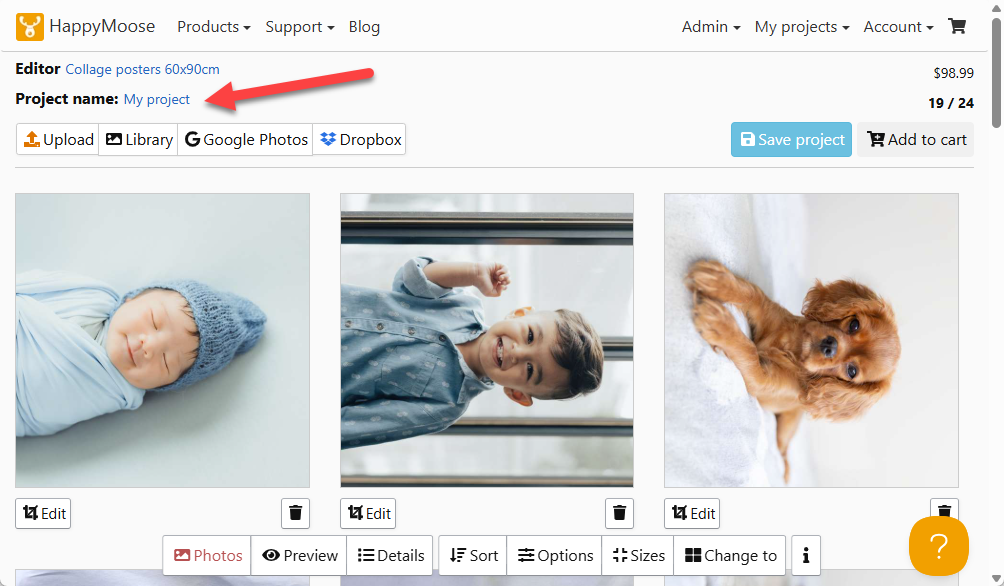
You can also click on any project name in the Draft Projects list and change the name here too.
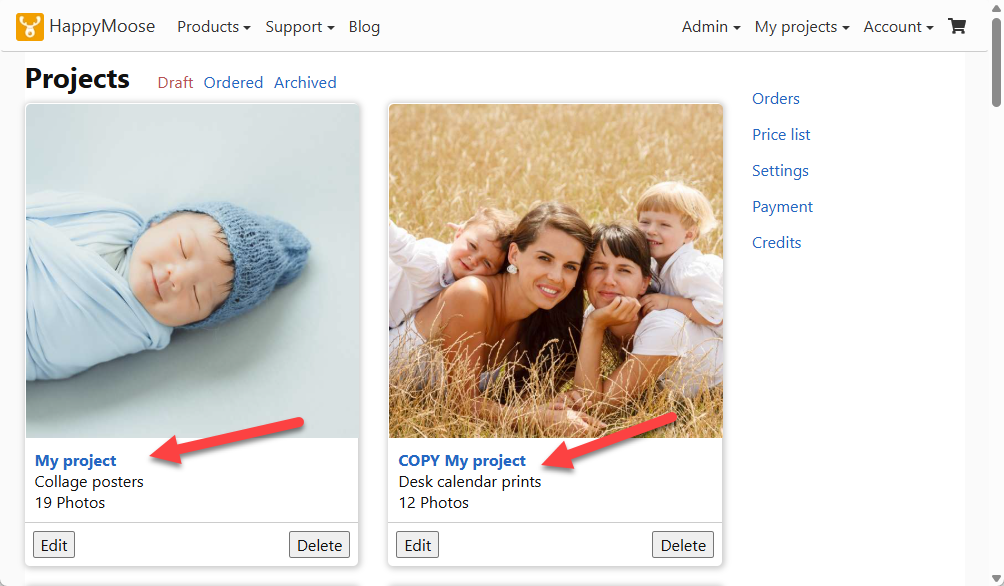
Now when you view your projects in your Drafts/Ordered/Archived folder you will be able to identify the project by it’s name – useful when you have a number of projects using similar photos.